

Guided cloud-backup setup

Keep Your Files Protected with Simple Cloud Backup

Nuvexa Backup helps protect your photos, videos, documents, contacts, and work files with guided cloud-backup setup, secure digital access, and simple restore support.

Backup readiness

Your setup at a glance

On track

Laptop

Ready

Phone

Setup due

Restore check

Scheduled

Setup checklist75%
Instant Digital Access
Guided Setup
Multi-Device Protection
Support Included

Files spread everywhere?

A backup plan you can actually follow

Important files live across phones, laptops, app folders, and old devices. Nuvexa turns that scattered risk into a guided checklist—without taking control of your passwords or storing your files.

  • Know what should be protected
  • Choose sensible storage for your needs
  • Confirm backups and practice restores
A family capturing a birthday celebration
Family milestones

Made for real life

Protection that fits the way you use your files

From one laptop to a busy family or creative studio, start with the devices and moments that matter.

A family organizing treasured photos together on a laptop
Families
A student organizing important school documents
Students
A video creator working with project files
Creators
A remote worker using her phone and laptop
Remote workers
A couple reviewing family memories on a tablet
Everyday households

What matters most

One clear plan for every kind of important file

Build a practical inventory before choosing what to protect and how often to back it up.

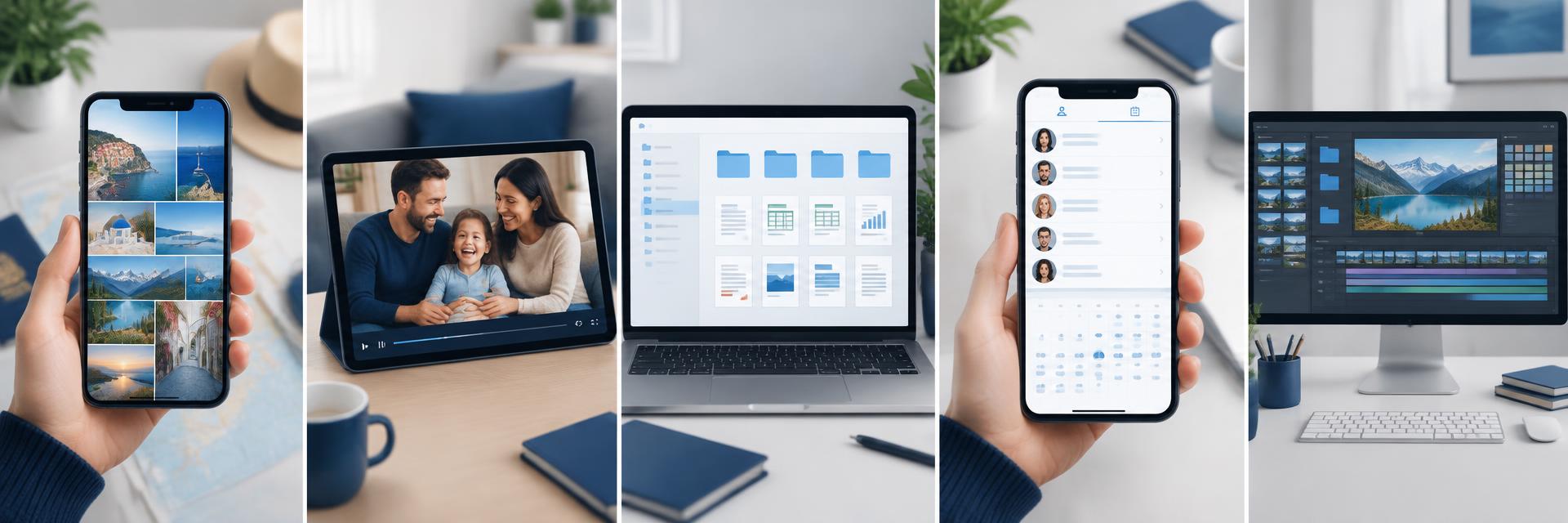
A phone displaying a gallery of travel photos
Travel photos
A family video playing on a tablet
Family videos
Organized document folders on a laptop
Documents
A contact list displayed on a smartphone
Contacts
A video project open on a desktop computer
Creative work

What you get

Practical protection, not technical overwhelm

Multi-device guidance

Set up phones, laptops, and selected folders with a clear device-by-device plan.

File-first checklists

Identify photos, videos, documents, contacts, and work files before anything is missed.

Restore readiness

Learn how to verify backups and request restore guidance when you need it.

Privacy-aware setup

Keep credentials private while using the security controls of your chosen storage provider.

Storage allocation guidance

Choose a practical storage level based on file types, devices, and expected growth.

Human support included

Every plan includes a defined support path, with hands-on help on higher tiers.

How it works

Four steps to a more dependable backup

You stay in control. We help you make a plan, set it up, and know how to check it.

01

Choose your plan

Match the number of devices and support level you need.

02

Create your account

Keep setup instructions, orders, and support in one secure place.

03

Follow guided setup

Connect your chosen storage provider and verify the files selected.

04

Stay restore-ready

Use health checks and support to keep your setup dependable.

Device by device

Bring your digital life into one routine

Get guidance for the phones, computers, drives, and shared devices included in your plan.

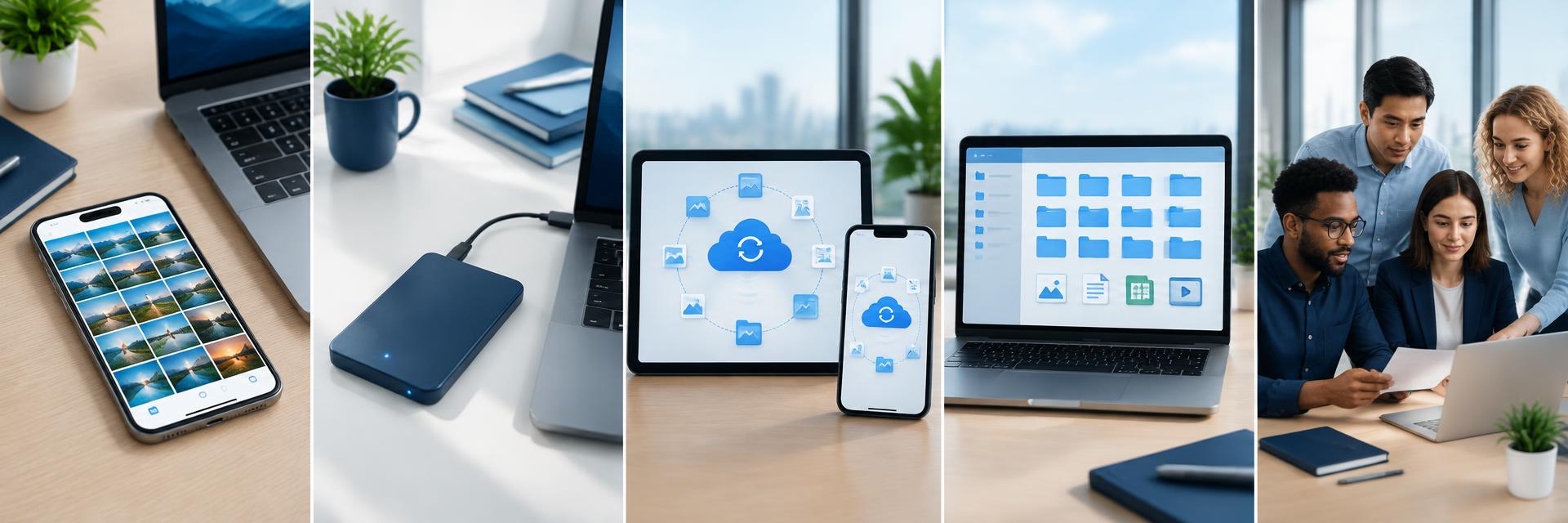
A smartphone with an organized photo gallery
Your phone
An external drive connected to a laptop
External drives
A tablet and phone sharing protected files
Phone + tablet
Organized folders displayed on a laptop
Your laptop
A small team reviewing files on a laptop
Team devices

One-time plans

Choose the right level of guidance

No recurring Nuvexa fee. Third-party cloud storage, if selected, is billed separately by that provider.

Essential Backup

Basic protection for one device.

$35 one-time

  • Backup for up to 1 device
  • Photos + documents backup
  • Daily backup frequency guidance
  • Guided self-setup checklist
  • 1 onboarding check-in
  • Email support

Best for: Students or anyone who wants basic protection for one main device.

Select Essential

Instant delivery • Non-refundable

Family & Creator

For photo/video-heavy users.

$59 one-time

  • Backup for up to 4 devices
  • Larger storage allocation guidance
  • Photo/video-focused backup guidance
  • Continuous backup for selected folders
  • Restore help session up to 30–60 minutes

Best for: Families and creators who have lots of photos and videos.

Select Family & Creator

Instant delivery • Non-refundable

Total Protection

Maximum coverage and hands-on help.

$89 one-time

  • Backup for up to 6 devices
  • Highest storage allocation guidance
  • Hands-on setup + optimization
  • Twice-yearly backup health check
  • Fastest support + restore priority

Best for: Power users and small teams who want the most hands-on help and coverage.

Select Total Protection

Instant delivery • Non-refundable

Guidance when you need it

A human path through setup and recovery

Every plan includes a defined support route, with more hands-on help on higher tiers.

A friendly customer support specialist
Email support
A remote guidance session on a laptop
Remote guidance
A customer completing a guided checklist
Clear checklists
A specialist guiding a customer on a laptop
Hands-on help
A relieved customer after recovering files
Restore support

Security & privacy

Your files stay under your control

Nuvexa provides guidance rather than hosting your backup files. We never need your passwords or recovery codes, and payment details stay with the payment provider.

Private credentials

Keep passwords and recovery codes to yourself.

Verify every backup

Confirm completion before relying on a copy.

Review our approach
A successful file restore displayed on a laptop
Restore ready
A bright modern cloud data center
Cloud infrastructure
A shield symbol reflected on a laptop
Account protection
A phone showing a secure access symbol
Secure access
A person confirming secure access from a phone
Verification

Your customer hub

Know what’s ready and what comes next

After confirmed payment, your dashboard brings together setup steps, devices, restore requests, orders, receipts, and support.

Open customer login

Backup readiness

Your setup at a glance

On track

Laptop

Ready

Phone

Setup due

Restore check

Scheduled

Setup checklist75%

Worth protecting

The files behind life’s important moments

A thoughtful backup routine helps keep personal milestones and everyday work within reach.

A graduate holding her diploma
Big achievements
A freelancer working from a bright home office
Daily work
A creative team reviewing a project together
Shared projects
A traveler photographing a mountain landscape
New adventures

Restore readiness

A backup is only useful when you can get files back

Verification and test restores turn a setup into a dependable routine.

Keep originals until your backup completes and a test restore works. We help you understand the steps without taking custody of your files.

Confirm

Check that the expected folders and files are included.

Test

Practice restoring a file before an urgent situation.

Keep originals

Do not remove source files until your checks are complete.

Common questions

Straight answers before you choose

View all questions

A calmer backup routine

Protect what matters before you need it back.

View backup plans